Best Practices for Organizing Educational Workshops
Ethan Delgado September 17, 2025
The world of education has undergone a significant transformation in recent years. Thanks to advancements in technology and the necessity brought on by the global pandemic, educational workshops have evolved from traditional in-person experiences to more flexible hybrid formats. The integration of both in-person and online elements, known as hybrid learning, is a hot trend that is reshaping how educators engage with participants.
In this article, we’ll explore best practices for organizing educational workshops in this new hybrid learning era, ensuring a blend of accessibility, engagement, and effectiveness.
1. Understand the Hybrid Learning Model
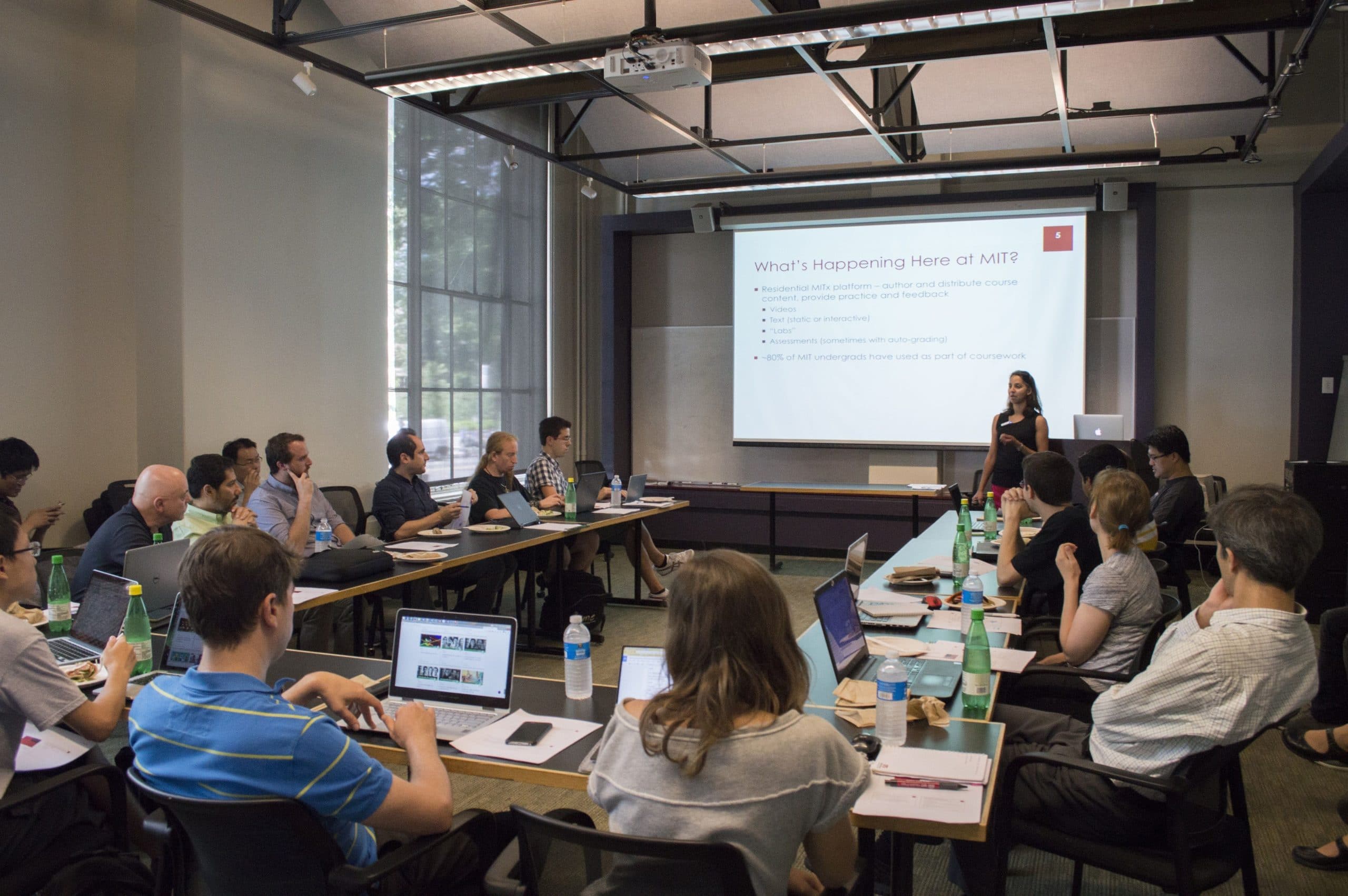
Before you dive into organizing a workshop, it’s crucial to understand what hybrid learning is and how it works. In a hybrid model, attendees can participate both physically (in-person) and virtually (online). This setup provides flexibility and accessibility, catering to diverse learning preferences and reaching a broader audience.
Hybrid workshops leverage the strengths of both formats. The in-person participants benefit from face-to-face interaction, while remote participants enjoy the convenience of attending from their own spaces. The flexibility of this model is one of its biggest selling points and makes it ideal for engaging diverse audiences.
Key Benefits of Hybrid Workshops:
- Wider Reach: You can attract participants from different geographic locations.
- Flexibility: Attendees can choose how they wish to engage, which increases attendance and participation.
- Cost-Effective: Hybrid models can reduce venue costs and offer a better return on investment for organizers.
Understanding these benefits will help you design your workshop with both in-person and online experiences in mind.
2. Select the Right Technology
To successfully execute a hybrid workshop, selecting the right technology is non-negotiable. Effective tools help bridge the gap between in-person and virtual participants. The choice of platforms and tools will largely determine the success of your hybrid event.
Video Conferencing Tools
Platforms like Zoom, Microsoft Teams, or Google Meet are essential. These tools allow real-time interaction and collaboration between participants, regardless of their location. Ensure you choose a platform that supports seamless video and audio quality for a smooth experience.
Audience Engagement Tools
Using interactive tools like Mentimeter, Slido, or Poll Everywhere helps virtual participants stay engaged. These tools facilitate live polls, Q&A sessions, and feedback collection, ensuring no one feels left out of the conversation.
Collaborative Platforms
Tools like Miro or Jamboard enhance brainstorming and idea-sharing for both in-person and virtual participants. These platforms allow for live, interactive collaboration and can be crucial in creating an inclusive environment for all attendees.
3. Create Engaging Content for Both Virtual and In-Person Participants
Designing content that resonates with both in-person and online participants requires careful planning. Here’s how to ensure both groups are engaged:
Interactive Elements
Hybrid workshops need to incorporate interactive elements that work for both formats. Use real-time quizzes, discussions, and polls to engage your audience. These tools should allow in-person participants to interact with virtual ones and vice versa. Additionally, incorporating multimedia elements such as videos, infographics, and slideshows will help maintain attention across different learning environments.
Breakout Sessions
For smaller group interactions, hybrid workshops can leverage breakout rooms, both physically and virtually. This allows for deeper conversations and ensures that smaller, more intimate group dynamics are maintained even in large-scale workshops. Use video conferencing platforms’ breakout room features to create separate virtual groups, while facilitating discussions with in-person attendees.
Clear Visuals
Always ensure your visuals are optimized for both physical and virtual spaces. This means ensuring that slides are legible even for those attending remotely, and that the content is equally accessible to both groups. Make sure to have high-quality visuals, readable fonts, and clear diagrams or graphics for optimal viewing.
4. Design a Seamless Experience for Participants
A successful hybrid workshop hinges on a smooth experience for all participants. Whether they’re physically present or joining remotely, everyone should feel equally included.
Smooth Transitions
Pay attention to the transitions between different workshop segments. Avoid long lags or awkward pauses between online and in-person activities. Make the switch between segments seamless by maintaining a tight agenda and clear instructions for all participants.
Tech Rehearsals
Test your tech setup before the event. This includes checking video and audio settings, ensuring that all links work properly, and testing interactive tools like polling systems. Technical issues during a hybrid workshop can disrupt the flow and frustrate both in-person and virtual attendees, so a rehearsal will give you confidence that everything will work smoothly.
Hybrid-Friendly Materials
Provide digital versions of materials (e.g., workbooks, handouts) so that online participants can download them. Physical participants should also be able to access these materials via QR codes or links. Make sure all resources are available on a platform that all attendees can access easily.
5. Focus on Time Management and Pacing
Managing time in a hybrid workshop can be challenging. It’s important to ensure that the pacing of the event is suitable for both in-person and online attendees.
Breaks and Transitions
Hybrid workshops often run longer than traditional in-person sessions. Plan for regular breaks to prevent fatigue, especially for online participants who may feel disconnected after long periods of sitting in front of a screen. Incorporating short interactive activities or energizers during these breaks can help keep everyone engaged.
Clear Timelines
Provide an agenda with clear start and end times for each section of the workshop. This helps both in-person and online attendees know when to expect interactive segments, lectures, or group activities. Time management also helps attendees stay focused and ensures the workshop doesn’t overrun.
6. Engage a Hybrid-Friendly Facilitator or Speaker
The role of the facilitator in a hybrid workshop becomes even more crucial. They must be comfortable with managing both in-person and online groups simultaneously.
Facilitator Tips:
- Acknowledge Both Audiences: Make sure to actively engage with both in-person and online attendees. A simple gesture like acknowledging virtual questions or comments during in-person discussions ensures no one feels left out.
- Keep the Energy High: Online participants often find it harder to stay engaged, so a dynamic and enthusiastic facilitator can make a huge difference in maintaining momentum.
Clear Communication
Effective communication is key to making sure that both virtual and in-person attendees are following the flow of the workshop. Regularly check in with the online participants to ensure they are engaged, and remind in-person participants of how they can contribute to virtual discussions.
7. Post-Workshop Engagement and Feedback
After the workshop, maintaining engagement is key. You want to gather feedback from both in-person and virtual participants to improve future workshops.
Feedback Tools
Use survey platforms like SurveyMonkey or Google Forms to collect feedback. Ensure the survey is easy to access and asks relevant questions regarding both the content and delivery of the workshop. Try to create a balanced survey that gauges the experience of both physical and virtual participants.
Resource Sharing
Share recordings of the workshop, supplemental materials, or follow-up resources with both audiences. This enhances the value of the workshop and can encourage future participation. You can also host a follow-up Q&A session or provide access to a forum where participants can continue their learning journey.
Conclusion
The rise of hybrid learning environments has made organizing educational workshops more accessible and impactful than ever before. By carefully planning the right technology, designing engaging content, and managing time effectively, educators can create a rewarding experience for both virtual and in-person attendees.
The hybrid model is here to stay, and embracing these best practices will ensure that your educational workshops are both successful and future-proof.
References
- Zoom Video Communications, Inc.. (2024). Zoom video conferencing platform. Available at: https://zoom.us (Accessed: 17 September 2025)
- Slido. (2024). Interactive tools for live polls and Q&A sessions. Available at: https://www.sli.do (Accessed: 17 September 2025)
- Miro. (2024). Online collaborative whiteboard platform. Available at: https://miro.com (Accessed: 17 September 2025)

 Educational Apps That Boost Learning Efficiency